Returns, exchanges & claims
Keep the sale when something goes wrong.
Customers report a problem with photos and choose a fix in a few taps. Your rules decide what to offer and approve the easy ones.
Reporting an issue
Customers tell you what happened, with proof.
A guided flow asks what went wrong, which items, how many, and for photos. Follow-up questions change with the issue type.
- Change-of-mind returns and shipping problems
- Up to 5 photos per claim
- Whole order or single items
Policy builder
Different rules for different customers.
Each issue type has rule groups checked in order, and the first match decides the offer. Rules can use order value, customer history, return rate, protection, carrier and more.
- A default group catches everything else
- Big claims wait for your team
- Limits on repeat replacements
Approval timing
Approve when it makes sense for you.
For claims that need the item back, pick when the refund, credit or replacement goes out.
- ImmediatelyTrust the customerApprove as soon as they submit.
- Return shippedOn the first scanApprove when the return label is scanned.
- Return receivedOn deliveryApprove when the box reaches you.
- After inspectionYou check itApprove, partly approve or reject with notes.
Exchanges & store credit
Offer the fix that keeps revenue.
Put exchanges and store credit with a bonus ahead of refunds. Customers pick a new size, color or item, and price differences are handled in the flow.
- Pick a variant or a different item
- Bonus store credit, like +10%
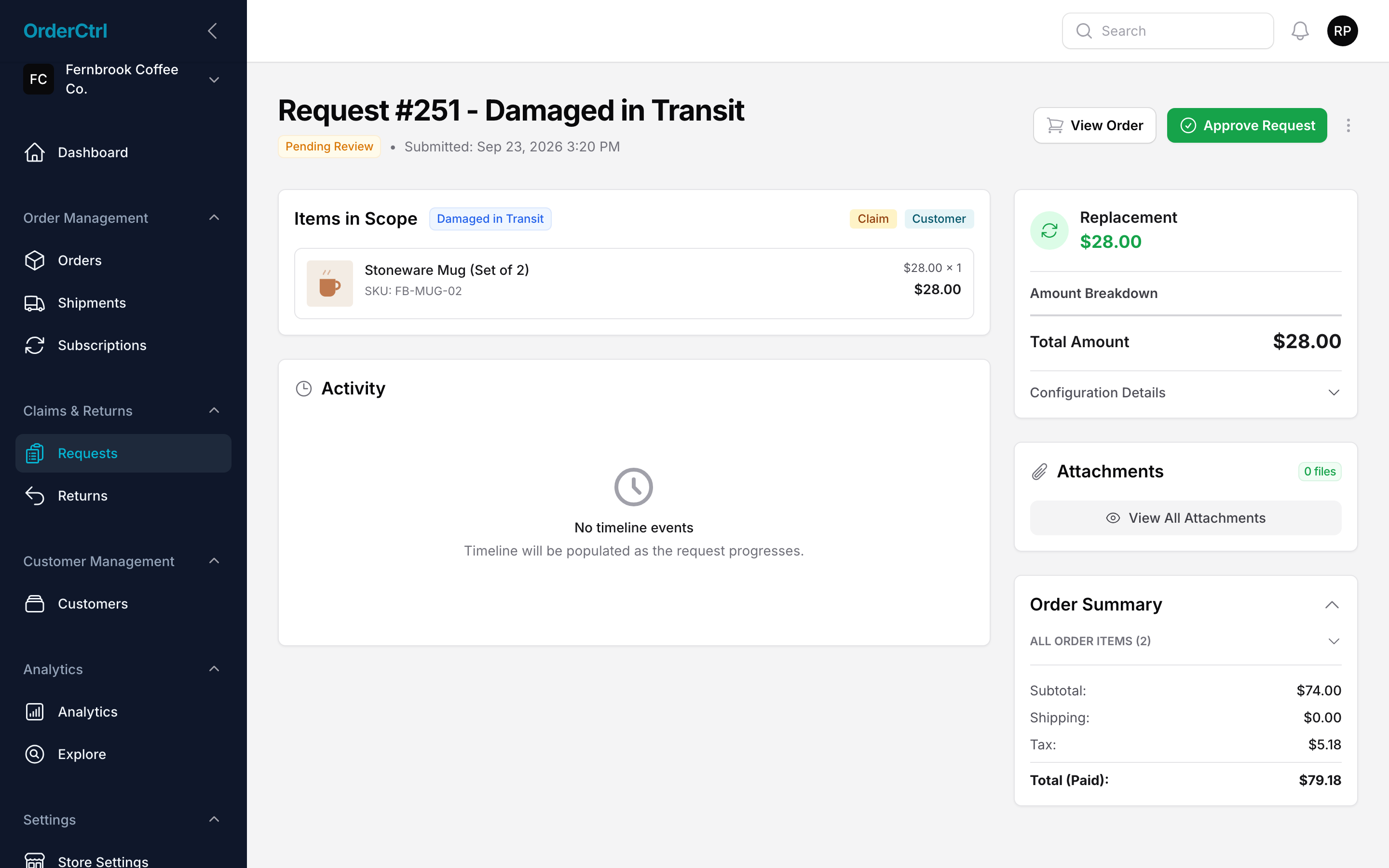
- Replacement orders created in WooCommerce
Return labels
Prepaid labels, tracked back to you.
When a return is needed, the customer gets a prepaid label to print or a QR code to show at drop-off. The return is tracked like any shipment, then inspected and restocked.
- Use our label account or your own
- Return authorization step if you want one
- Label costs tracked in analytics
Everything in returns & claims
Included on every plan.
Every kind of return
Changed their mind, damaged, missing, wrong item, not received, lost and more.
Photo evidence
Up to 5 photos, stored privately and shared with expiring links.
Exchanges
Swap for a different variant or item, with price differences handled.
Refunds
Full or per-item, to the original payment or as store credit.
Bonus store credit
Reward customers who choose credit over a refund.
Replacement orders
New orders created in WooCommerce automatically.
Rule groups
Conditions on order, customer, product, shipping and payment.
Approval timing
Immediately, on shipment, on delivery or after inspection.
Prepaid labels
Print-at-home labels or QR codes, tracked back to you.
Inspection
Approve, partly approve or reject returns, then restock.
Auto-approve rules
Approve routine claims automatically and send big ones to your team.
Duplicate checks
Stops a second claim for the same items.
Returns questions
Can OrderCtrl open claims for customers?
Yes. When a shipment is lost or stalls, an automation can open a claim for review, approve it, or email the customer to pick a fix.
Where do refunds go?
Refunds are sent through WooCommerce to the original payment method, or issued as store credit if you or the customer choose that.
Can I require a return before refunding?
Yes. Set the return to be required and choose when to approve: when it ships, when it arrives or after you inspect it.
Can I keep big claims for my team to review?
Yes. Auto-approve each offer only where it makes sense, and use conditions like order value or past claims so large or unusual claims wait for a person.